Messaging that books meetings for you
drip works across the channels you connect, remembers the thread, and helps move the conversation toward a useful next step.
Available for Mac.
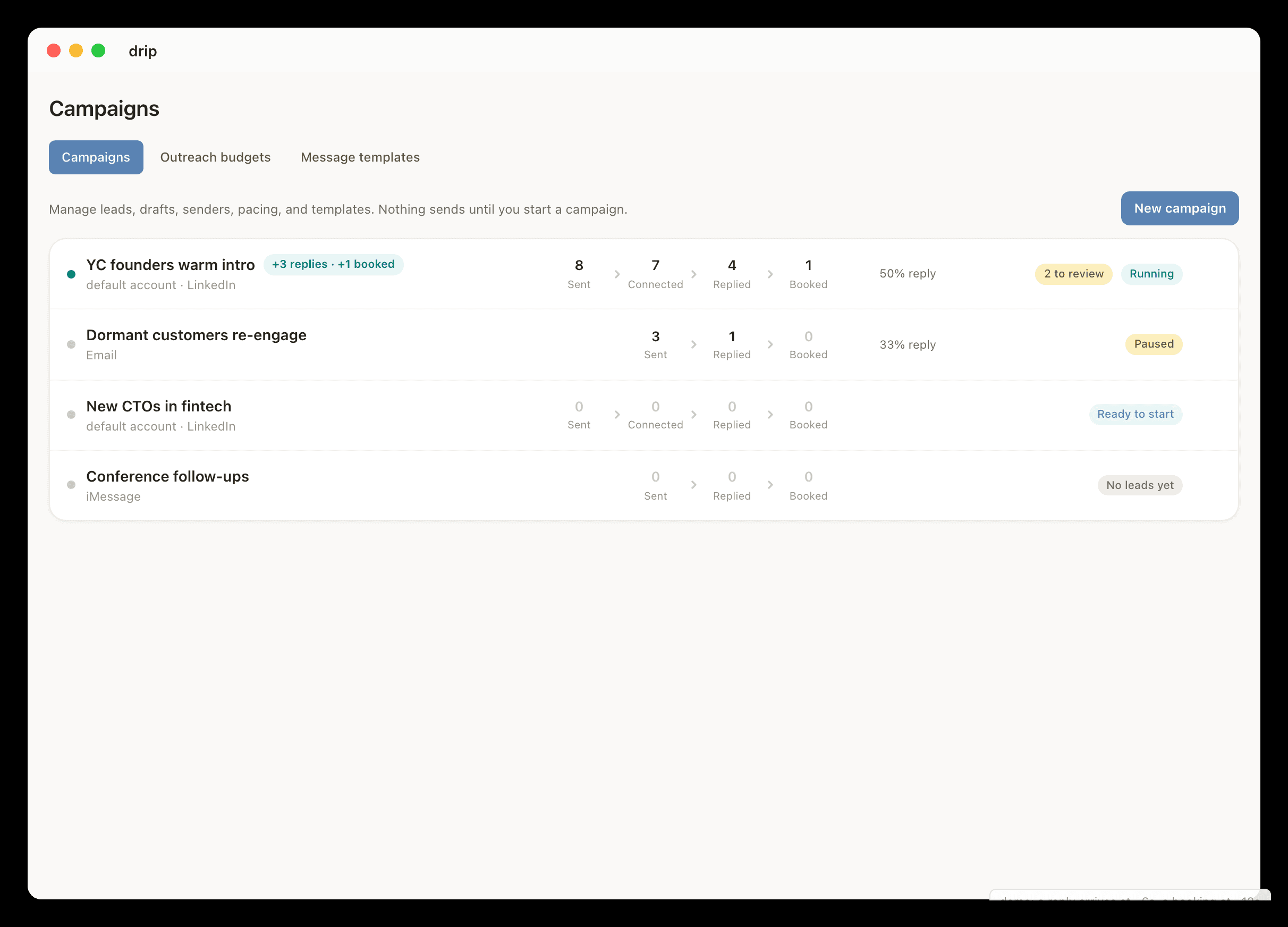
From message to meeting.
- 01Select the people or accounts drip should help with.
- 02Connect iMessage, LinkedIn, Gmail, Slack, Calendar, and other context sources as needed.
- 03Set rules for first messages, replies, follow-ups, and booking.
- 04Let drip move active conversations from message to meeting.
What people usually want to know.
What does a messaging agent do?
A messaging agent sends first messages, handles replies, follows up, and books meetings from connected conversation context and user-defined rules.
What channels does drip support?
drip leads with iMessage and LinkedIn. It can also use Gmail, Slack, Google Calendar, Stripe, and meeting tools for context, scheduling, and signals.
Explore related workflows.
Unibox
A unibox puts every conversation in one place. drip is a unibox that also acts: it reads LinkedIn, iMessage, Gmail, Slack, and X, then replies, follows up, and books the meeting.
Inbound lead response
Reply while interest is fresh, then keep the thread moving without losing the context that made the lead reach out.
Founder-led sales
Stay close to customers, investors, and partners without spending the day chasing replies.