Group conversations
Group chats that need a next step
dripos can handle supported group conversations, including iMessage groups, LinkedIn group threads, and Slack channels or threads. It uses group context to recommend or send replies, follow up, and help book the meeting when rules allow it.
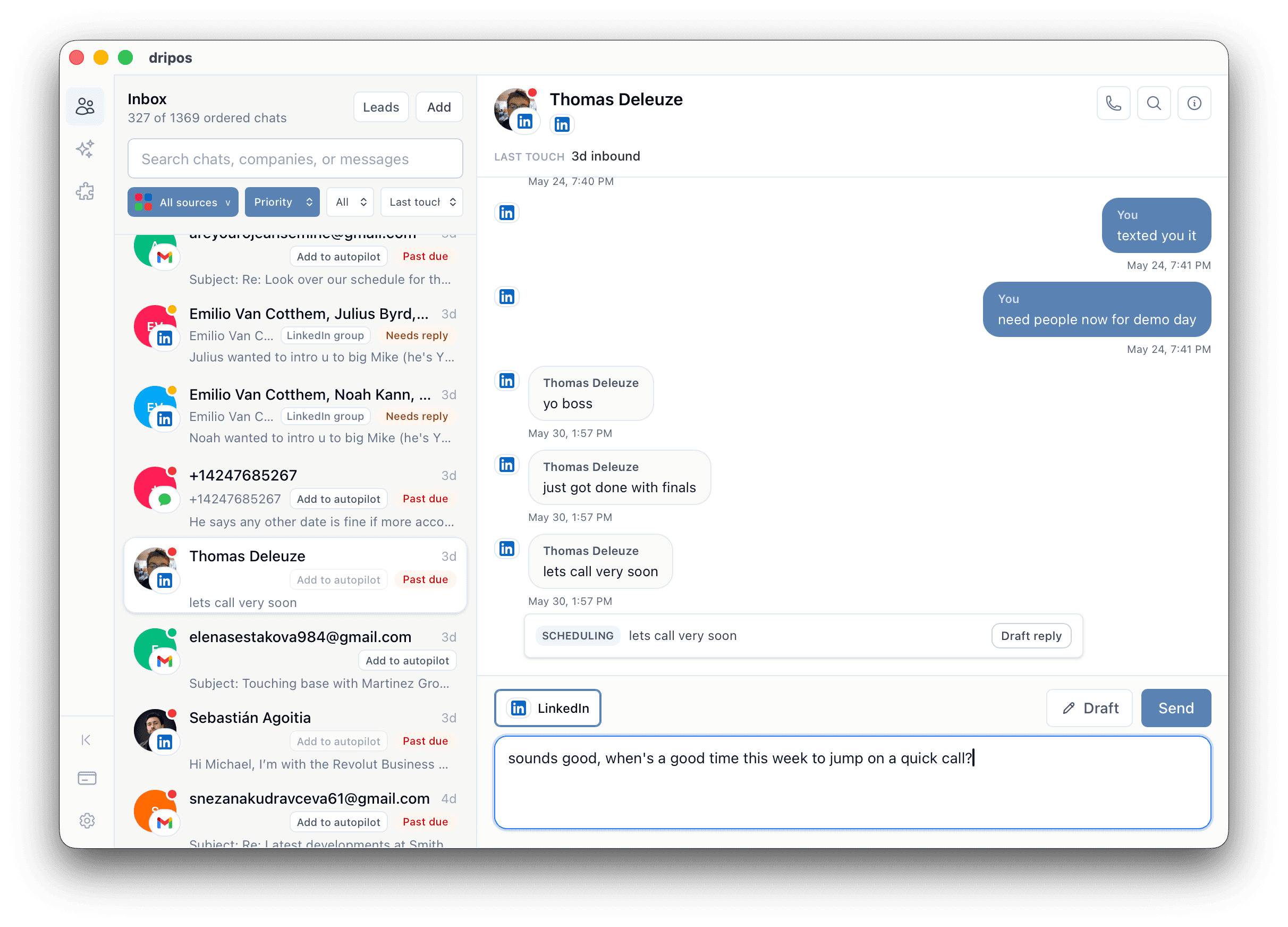
Direct answer
dripos can work with supported iMessage groups, LinkedIn group threads, and Slack channels or threads so group conversations move toward replies and meetings.
What it does
What group context unlocks.
- groupIdentifies supported group conversations that need replies.
- groupUses participant and thread context so replies fit the group.
- groupWorks across iMessage groups, LinkedIn group threads, and Slack channels or threads when connected.
- groupCan move group scheduling asks toward a booked meeting.
Workflow
How a group thread moves.
- 01Connect the group-chat source and choose the groups dripos can help with.
- 02Let dripos surface group threads that need a reply.
- 03Use context from the full group conversation to write the next message.
- 04Send a scheduling link or booking reply when the group asks for time.
Use cases
Group threads it helps with.
- Investor intro group chats.
- Recruiting coordinator and candidate threads.
- Customer or partner Slack threads.
- Founder, advisor, and operator group texts.
Why dripos
Why groups are different.
- Most messaging automation is built for one-to-one threads only.
- dripos treats group chats as first-class context when supported.
- Group-chat handling is tied to booking and follow-up, not just summarization.
FAQ
Group Chat Messaging Agent questions.
Does dripos handle group chats?+
Yes. dripos can work with supported iMessage groups, LinkedIn group threads, and Slack channels or threads when the source is connected and the user rules allow it.
Can dripos send replies in group chats?+
Yes, for supported group conversations and enabled channels. Users choose the groups, channels, limits, templates, and rules before automation runs.
Why does group-chat context matter?+
Important meetings often happen in intro threads, recruiting loops, customer Slack channels, and partner groups. dripos can use the whole thread context to decide the next useful reply.
Related guides
Explore related workflows.
iMessage and LinkedIn in One Place
dripos brings iMessage and LinkedIn into one messaging workflow for first messages, follow-ups, replies, group chats, and booked meetings.
iMessage Automation
dripos brings controlled iMessage automation to Mac: first messages, follow-ups, replies, supported group chats, and meeting booking under user-defined rules.
Inbound lead response
dripos helps you respond to inbound leads before they go cold, follow up with context, and book meetings across iMessage, LinkedIn, Gmail, Slack, and group chats.