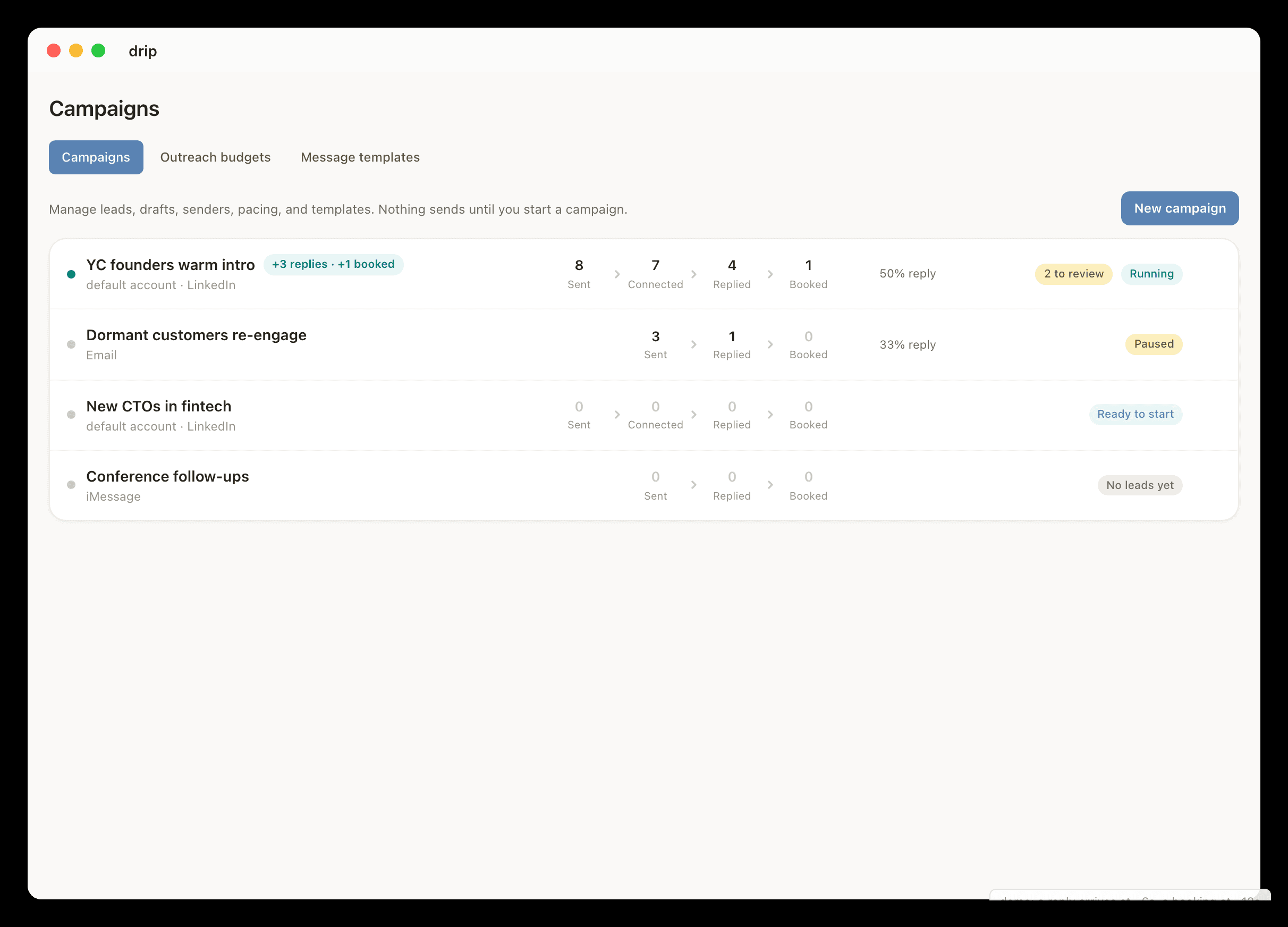
iMessage + LinkedIn
iMessage and LinkedIn in one messaging workflow
dripos connects the channels people actually answer. It brings iMessage and LinkedIn into one messaging agent so first touches, follow-ups, replies, and bookings can use the same context instead of living in separate apps.

Direct answer
dripos brings iMessage and LinkedIn into one messaging workflow for first messages, follow-ups, replies, group chats, and booked meetings.
What it does
Why the channels belong together.
- channelLinkedIn can be used for first touch and professional context.
- channeliMessage can be used for faster personal follow-up where appropriate.
- channelGmail, Slack, Calendar, Stripe, and meeting tools can add context.
- channelSupported group chats can be included when connected and permitted.
Workflow
How it chooses the next channel.
- 01Connect LinkedIn and the Mac app for iMessage.
- 02Choose who dripos can message across each channel.
- 03Let dripos use the right channel for the first message, reply, or follow-up.
- 04Book the meeting with scheduling context when the thread is ready.
Use cases
Cross-channel examples.
- A founder starts on LinkedIn and follows up over iMessage after a warm intro.
- A recruiter moves from LinkedIn to text when a candidate responds.
- A small business owner handles referrals across text and professional messages.
- An investor thread moves from LinkedIn context to a booked call.
Why dripos
Why one inbox is not enough.
- Not just a unified inbox: dripos can take action under rules.
- Not only LinkedIn automation: dripos can use local Mac iMessage context.
- Not only iMessage automation: dripos can use work-channel context around the person.
FAQ
iMessage and LinkedIn in One Place questions.
Can dripos combine iMessage and LinkedIn?+
Yes. dripos leads with iMessage and LinkedIn for messaging and can use both inside one workflow when the user connects the sources and enables the right rules.
Why are iMessage and LinkedIn important together?+
Many important conversations start professionally on LinkedIn but move faster over personal channels such as iMessage. dripos keeps the context and follow-up loop connected.
Is dripos a shared inbox?+
No. dripos is not just a place to read messages. It can send first messages, handle replies, follow up, and book meetings under user-defined rules.
Related guides
Explore related workflows.
iMessage Automation
dripos brings controlled iMessage automation to Mac: first messages, follow-ups, replies, supported group chats, and meeting booking under user-defined rules.
LinkedIn Messaging Agent
dripos is a LinkedIn messaging agent that can send connection requests, first messages after acceptance, follow-ups, replies, and meeting-booking messages under rules.
Group Chat Messaging Agent
dripos can work with supported iMessage groups, LinkedIn group threads, and Slack channels or threads so group conversations move toward replies and meetings.