LinkedIn messaging agent that keeps the conversation moving
Import the right people, set the message and pacing, then let drip surface replies and the next useful action.
Available for Mac.
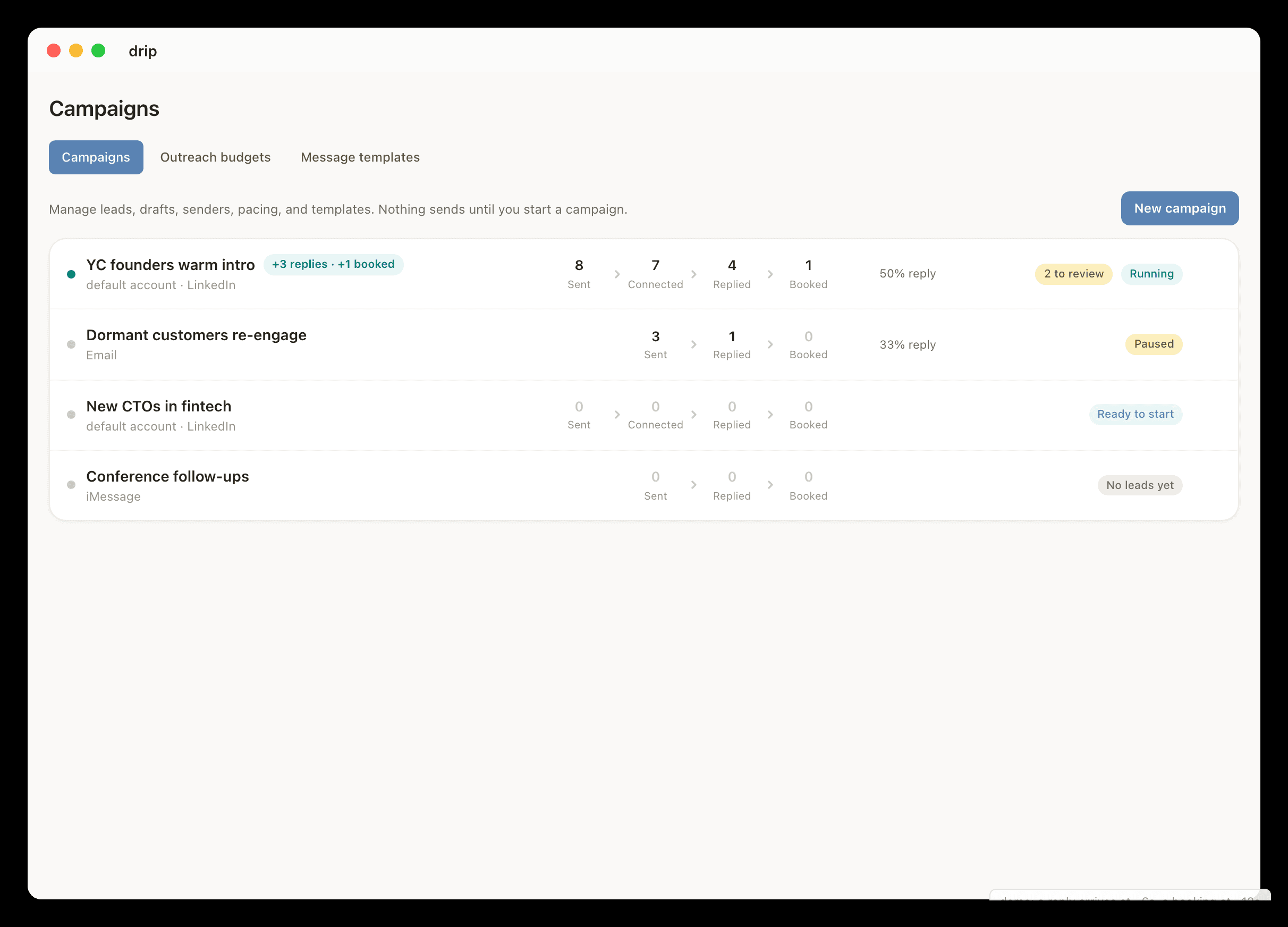
How LinkedIn conversations move.
- 01Connect LinkedIn and choose the leads or contacts drip can work on.
- 02Set limits, templates, and reply rules.
- 03Send the connection request or first message when the lead is eligible.
- 04Follow up and answer replies until the next step is booked or a human should step in.
What people usually want to know.
Does drip automate LinkedIn messages?
Yes, when LinkedIn automation is enabled. drip can handle selected connection requests, first messages, follow-ups, replies, and group-thread context under the rules the user sets.
Is drip only for LinkedIn outreach?
No. LinkedIn is a primary channel, but drip also works with iMessage and can use Gmail, Slack, Calendar, Stripe, meeting tools, notes, and local Mac context.
Explore related workflows.
iMessage and LinkedIn in One Place
Keep LinkedIn and iMessage context together so a channel change does not reset the relationship.
BDR alternative
Take repetitive outreach and follow-up off your plate without pretending a messaging tool replaces a sales team.
Founder-led sales
Stay close to customers, investors, and partners without spending the day chasing replies.